 How-to
How to Manage Digital Eye Strain in Kids: 7 Steps
Quick Summary
Digital eye strain is tired, sore, or uncomfortable eyes caused by long periods of focusing on screens. Children are especially prone to it because their eyes are still developing. Managing it usually means setting up screens correctly, adjusting settings, taking regular breaks, and seeing an eye doctor if symptoms persist.
- Set tablets and phones about 14 to 16 inches from the eyes, and monitors about 20 to 30 inches away.
- Take breaks during screen use, such as 5 minutes after 20 to 30 minutes of screen time for children ages 6 and up.
- Apply the 20-20-20 rule: every 20 minutes, look at something about 20 feet away for at least 20 seconds.
- Encourage kids to blink fully, since people blink much less while looking at screens.
- See an eye doctor if headaches, blurry vision, or eye discomfort keep coming back or continue after breaks and setup changes.
Table of Contents
- What Digital Eye Strain Is and Why Kids Are Affected
- Recognizing Digital Eye Strain Symptoms in Children
- Step 1: Set Up Screen Distance, Position, and Lighting
- Step 2: Adjust Brightness, Contrast, and Blue-Light Settings
- Step 3: Build Screen Breaks for Kids into the Daily Routine
- Step 4: Teach Kids the 20-20-20 Rule and Blinking Habits
- When to See an Eye Doctor and Treatment Options for Digital Eye Strain
- Your Next Step: Book a Pediatric Vision Check at See Clearly Florida
- Frequently Asked Questions
What Digital Eye Strain Is and Why Kids Are Affected
Last Updated: November 8, 2026
Digital eye strain is tired, sore, or uncomfortable eyes caused by long periods of focusing on screens.
The problem is not just the screen itself. Screens make the eyes work harder in a few ways:
- Reduced blinking: People blink far less when staring at a screen, which dries out the eyes.
- Constant near focus: The eyes hold focus at one distance for a long time, which tires the focusing muscles.
- Glare and brightness: Bright or reflective screens force the eyes to adjust over and over.
- Poor posture and distance: Leaning close to a screen adds strain to the eyes and neck.
Kids face these issues for a few reasons. They often hold devices closer than adults do. They may not notice discomfort until it becomes a headache. And many use screens for hours at school and at home, often without breaks.
Vision experts describe digital eye strain as a temporary problem for most people. Parents can learn how to tell whether a child's symptoms point to more than strain. If you want to learn more, the American Academy of Ophthalmology's guidance on eye health offers general information on eye care for all ages.
Quick answer: Digital eye strain happens when the eyes get tired from long screen use. It is common in children and usually improves with breaks, better screen setup, and good habits.
Recognizing Digital Eye Strain Symptoms in Children
Children rarely say "my eyes hurt from the screen." They show it. A parent or teacher usually notices the behavior before the child names the problem, which is why a structured symptom checklist is more useful than a general list.
The four symptom clusters to watch for
- Eye comfort signs: rubbing, frequent blinking, squinting, watering, or a child who pushes the heels of their hands into their eyes after homework.
- Vision signs: blurry distance vision after screen time, trouble copying from the board, holding a tablet closer than usual, or complaining that words "swim" on the page.
- Body signs: headaches behind the forehead or temples, neck and shoulder tightness, or a child who slumps progressively lower during a long assignment.
- Behavior signs: irritability during screen-heavy tasks, avoiding reading, losing focus faster than usual, or complaining of being tired right after school screen time.
A simple observation log
For one week, note three things each day: how long the child used a screen, which symptoms appeared, and how quickly they eased after the child stopped. A pattern that repeats on screen-heavy days and fades on light days points toward digital eye strain. Symptoms that appear regardless of screen use point elsewhere.
What it can be confused with
- Uncorrected refractive error: A child who needs glasses may squint at both screens and the board. If blurriness persists after rest, that is a reason for an exam, not more breaks.
- Convergence and focusing problems: Some children have trouble aiming both eyes at a near target or shifting focus from near to far. These issues can mimic strain and usually need an eye care professional to identify.
- Dry eye: Burning and grittiness that continue even on low-screen days may reflect dry eye rather than simple fatigue.
- Migraine or tension headache: Headaches that come with nausea, light sensitivity, or that wake a child at night are not typical digital eye strain and deserve medical attention.
Watch out: do not assume every headache or squint is screen-related. Persistent symptoms that do not improve with breaks and better setup are the signal to arrange an eye exam rather than extend the trial-and-error period.
Step 1: Set Up Screen Distance, Position, and Lighting
Good setup is one of the easiest ways to reduce strain. Start with these basics:
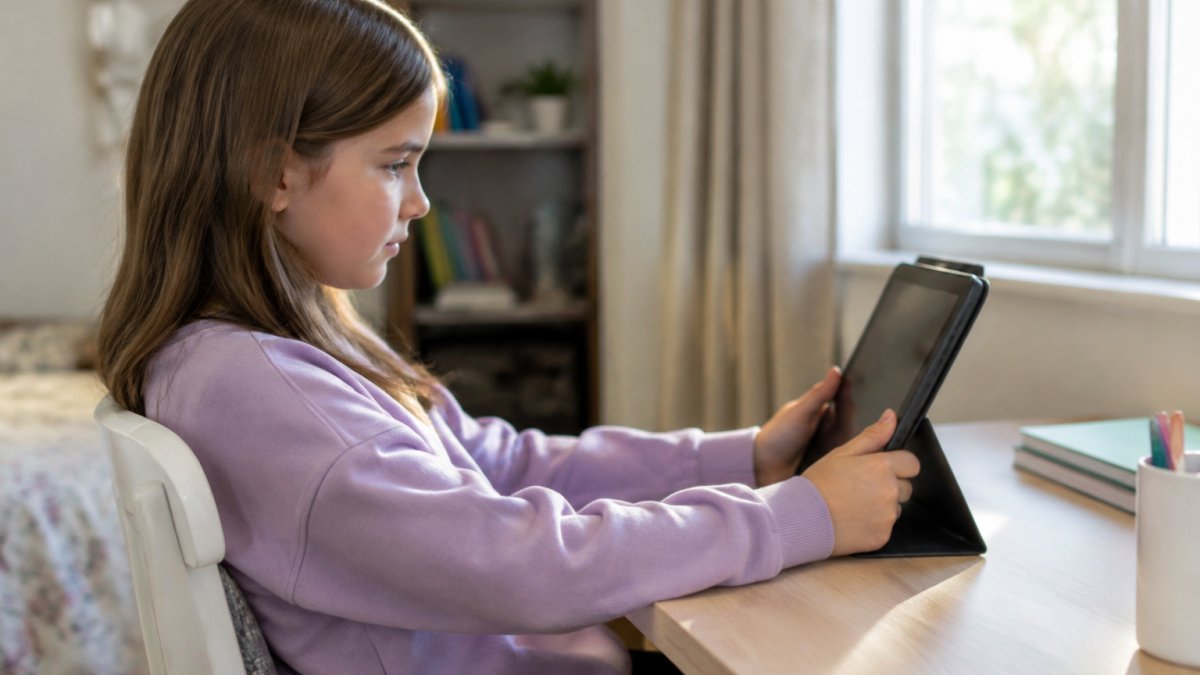
- Keep screens at arm's length: A tablet or phone should sit about 14 to 16 inches from the eyes. A computer monitor should sit about 20 to 30 inches away.
- Position the top of the screen at or slightly below eye level: This keeps the neck relaxed and reduces eye dryness.
- Reduce glare: Position screens so windows and lights do not shine directly on them.
- Use balanced room lighting: A dim room with a bright screen is harder on the eyes. Keep the room light close to the screen's brightness.
Many families find it helpful to mark a "screen zone" at home, such as a desk with proper lighting and a chair that keeps the child's feet flat on the floor.
Step 2: Adjust Brightness, Contrast, and Blue-Light Settings
Screen settings can make a real difference. Most devices let you change them in a few taps.
- Brightness: Match the screen brightness to the room. The screen should not look like a light source in a dark room.
- Contrast: Use clear, readable text. Increase contrast if letters look faded.
- Text size: Make text large enough to read without leaning in.
- Night mode or warm display settings: Many devices offer these features, which reduce blue light in the evening. Their effect on eye strain is still debated, so treat them as a comfort setting rather than a cure.
Blue-light filters are popular, but the research on whether they prevent eye strain is limited. Better lighting, correct distance, and regular breaks are more reliable steps.
Step 3: Build Screen Breaks for Kids into the Daily Routine
Breaks only work when they fit the day a child actually has.
Age-banded break patterns
- Ages 2 to 5: Short screen sessions of 15 to 20 minutes with an adult-led break in between. Use a visual timer the child can see, and pair the break with a physical transition such as putting the tablet on a shelf and going to a window.
- Ages 6 to 9: About 20 minutes of screen time followed by a 5-minute break. Children this age respond well to a game-based cue, such as naming three things they can see outside the window.
- Ages 10 to 13: 25 to 30 minutes of focused screen work, then a 5-minute break. Homework blocks can follow the same rhythm, with the break placed between subjects rather than in the middle of one.
- Ages 14 and up: 30 minutes on, 5 minutes off during homework and gaming. Teens can manage their own timer if the expectation is set clearly and the break is built into the task list rather than left to willpower.
Sample after-school routine
Making breaks stick
- Tie breaks to natural stopping points: the end of a video, a level, or a homework section, so the child is not pulled out mid-task.
- Make the break physical: stand, stretch, get water, or look out a window at something distant.
- Use a shared timer rather than a parent reminder: a kitchen timer or a device timer reduces the sense that a parent is policing screen time.
- Ask about classroom breaks: for long school screen sessions, ask the teacher whether the class pauses for movement or distance viewing.
Screen time limits alongside breaks
Breaks reduce strain during use; limits reduce total exposure. Set daily limits that fit your family's schedule, keep screens out of bedrooms at night when possible, and protect a screen-free block before bed.
Watch out: a break that turns into scrolling on a phone is not a break for the eyes.
The article recommends different break patterns depending on the child's age, summarized below.
| Age group | Screen time before break | Break length |
|---|---|---|
| Ages 2 to 5 | 15 to 20 minutes | Adult-led break |
| Ages 6 to 9 | About 20 minutes | 5 minutes |
| Ages 10 to 13 | 25 to 30 minutes | 5 minutes |
| Ages 14 and up | 30 minutes | 5 minutes |
Screen time before break
Step 4: Teach Kids the 20-20-20 Rule and Blinking Habits
The 20-20-20 rule is simple. Every 20 minutes, look at something about 20 feet away for at least 20 seconds (Computer vision syndrome). This gives the focusing muscles a chance to relax.
Kids often respond well to a game. Try these ideas:
- Name three things across the room during each break
- Count how many ceiling tiles or windows they can see
- Set a fun sound on a timer as the signal to look away
Blinking matters too. People blink much less while looking at screens, which can leave eyes dry and irritated. Encourage kids to blink fully, with both eyelids closing, especially during long reading or gaming sessions. Using eye drops can help if the eyes still feel dry, but a child should check with an eye care professional before starting regular drops.
When to See an Eye Doctor and Treatment Options for Digital Eye Strain
Most cases of digital eye strain improve with simple changes. But some symptoms need a professional exam. Schedule a visit if your child has:
- Headaches or eye pain that keep coming back
- Vision that stays blurry after rest
- Trouble reading or seeing the board at school
- Frequent eye rubbing, squinting, or double vision
- Eye discomfort that continues even after screen limits and breaks
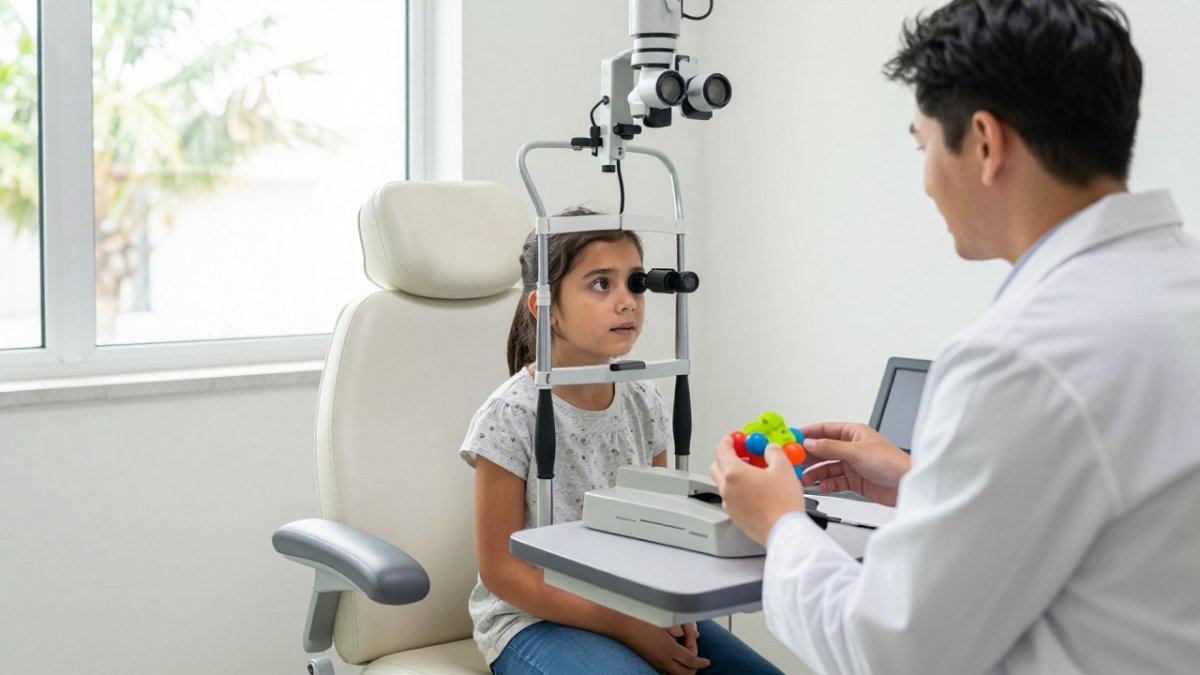
At an eye exam, an eye care professional can check whether your child needs glasses, has an eye alignment or focusing issue, or has another condition that requires treatment. Treatment depends on the cause and is decided by the eye care professional based on the exam results. The American Optometric Association's eye health resources can help parents learn more about common eye conditions in children.
Seek urgent care right away if your child has sudden vision loss, eye injury, severe eye pain, or sudden changes in vision.
Your Next Step: Book a Pediatric Vision Check at See Clearly Florida
If your child shows signs of digital eye strain, a professional exam can rule out other issues and suggest a plan that fits your family. Our optometrists aim to learn about your child's daily screen use, symptoms, and lifestyle before making personalized recommendations. You can meet the experienced optometrists who would examine your child. We also help you make flexible use of your vision plan benefits.
Reach out to schedule a visit with our team.
Frequently Asked Questions
What are the symptoms of digital eye strain in children?
Common signs include eye fatigue, dry or watery eyes, blurred vision after screen use, headaches, and complaints of eye discomfort or burning. Some children rub their eyes often, squint at distant objects, or lose focus during homework. Symptoms usually ease with rest, but persistent or worsening signs should be checked by an eye-care professional to rule out vision problems such as nearsightedness or binocular vision issues.
How often should kids take breaks from screens?
A common approach is to use the 20-20-20 rule: every 20 minutes, have the child look at something about 20 feet away for at least 20 seconds. Encourage a longer break of 10 to 15 minutes every hour of continuous near work, and include outdoor activities when possible. Keep routines consistent so breaks become a habit rather than a reminder the child has to be nagged into taking.
Does screen time cause blurry vision in children?
Extended near work can cause temporary blurred vision, because the focusing muscles in the eye stay tensed for long periods. The blur usually clears after a break. Blur that lasts, appears without screen use, or comes with headaches or changes in how a child sees at a distance should prompt a visit to an optometrist for a full eye exam.
When should a child see an eye doctor for eye strain?
Schedule an eye exam if symptoms persist after screen breaks and setup changes, if your child frequently complains of headaches, if they squint or sit very close to the screen, or if their schoolwork suffers. A comprehensive exam can identify refractive errors, focusing problems, or dry eye that may be contributing. Describe your child's screen habits to the provider so the visit can address them directly.